Use the Demo VM for a Quick Start
A quick start guide designed for the pre-configured Ubuntu VM image. All dependencies (Ryu, Mininet, NDT Kernel) are pre-installed. Users can skip installation steps and directly run the system.
Pre-flight Checks:
- Please prepare 3 separate Terminal windows.
- Startup Order is Critical: Please execute Terminals 1 through 3 in the exact order listed below.
Terminal 1: Ryu Controller (SDN Controller)
- Path:
Desktop - Environment:
ryu-env(Python 3.8)
- Navigate to the directory:
cd ~/Desktop/
- Clean up old network artifacts (Crucial step):
sudo mn -c
- Activate the environment:
conda activate ryu-env
- Execute the controller:
ryu-manager '/home/ndtwin/Desktop/intelligent_router_static_topo.py' ryu.app.rest_topology ryu.app.ofctl_rest --ofp-tcp-listen-port 6633 --observe-link
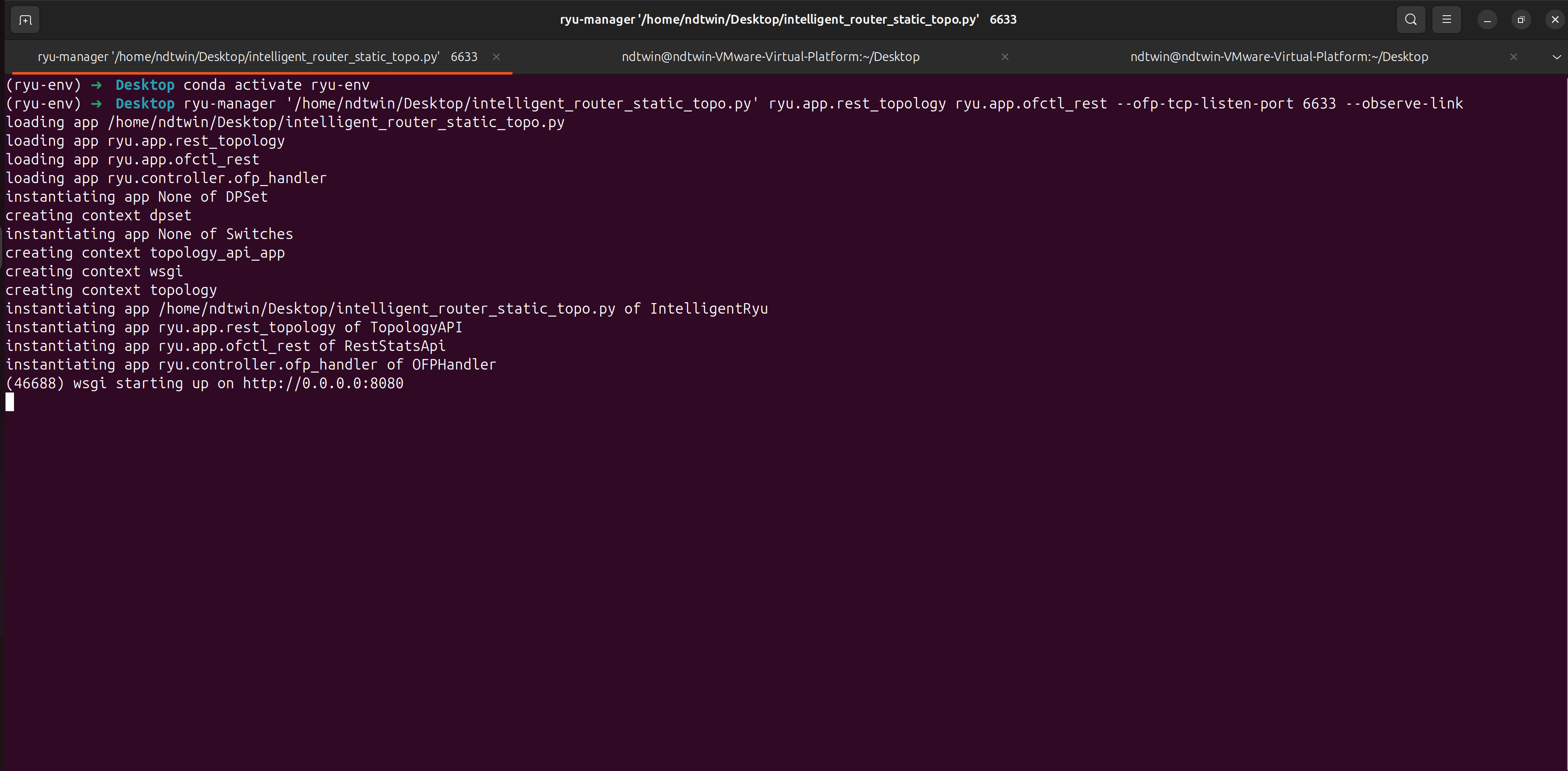
Terminal 2: Mininet (Virtual Network Topology)
- Path:
Desktop - Environment: System Native (Root)
- Navigate to the directory:
cd ~/Desktop/Network-Traffic-Generator/
- Activate the environment:
conda activate ntg_env
- Start the topology:
sudo $(which python) example_topology.py
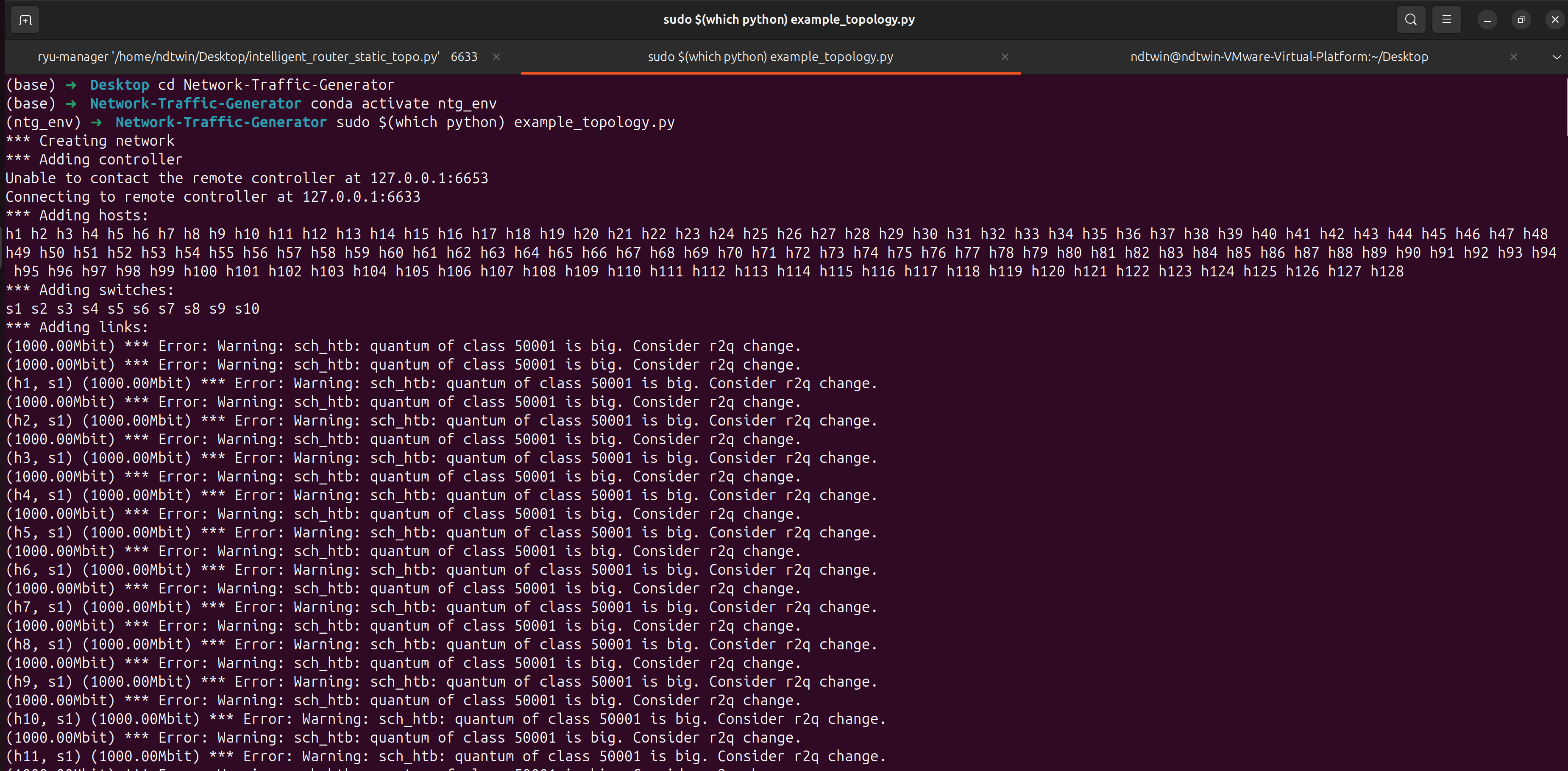
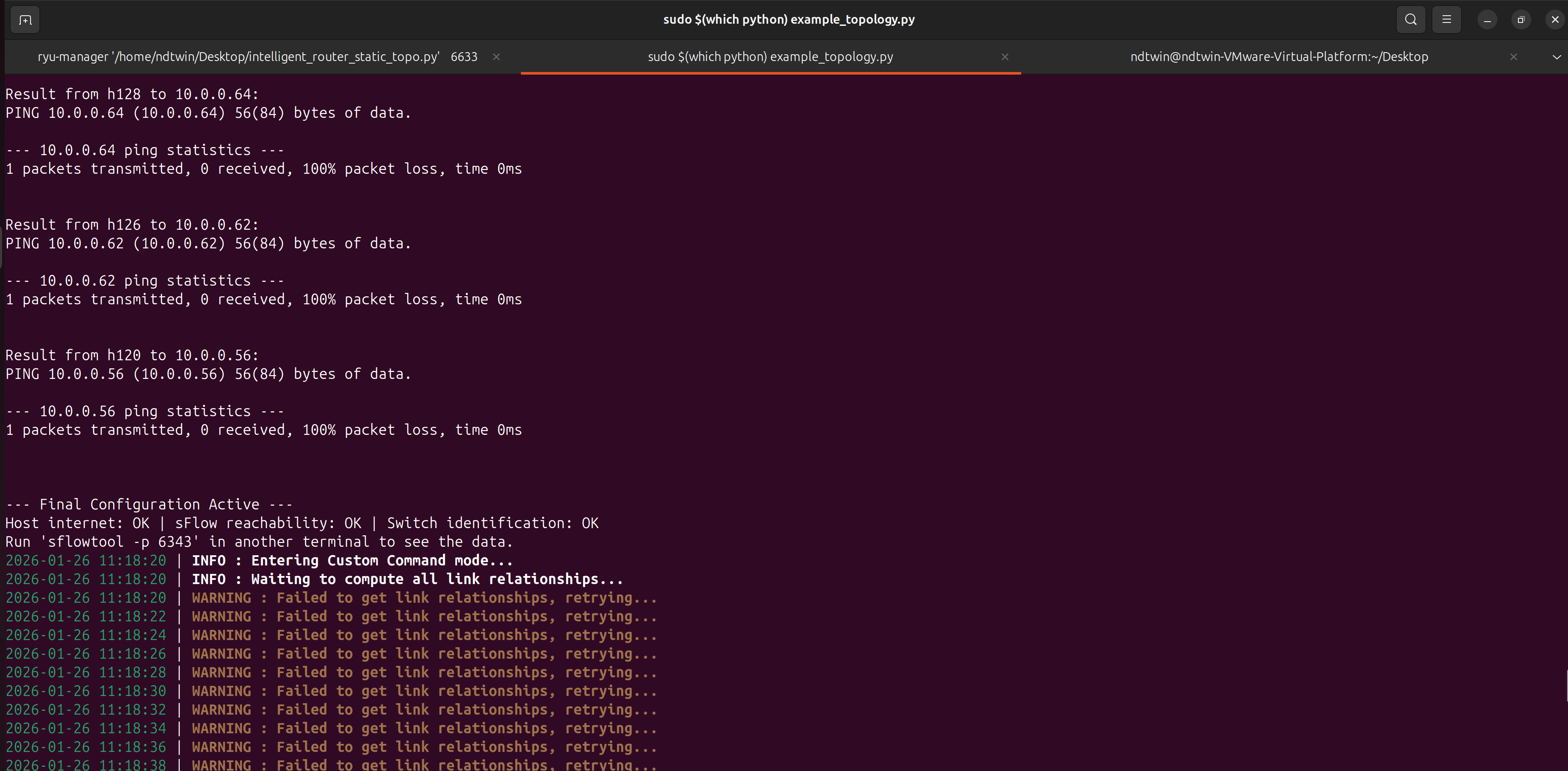
The user should wait until they see this screen.
Terminal 3: NDT Kernel (Digital Twin Core)
- Navigate to the Build Directory
Ensure you are in the directory containing the compiled binary.
cd ~/Desktop/NDTwin-Kernel/build/
- Configure OpenAI API Key (Optional)
This step is required only if you intend to enable the Intent Translator feature. The system uses this key to authenticate with the OpenAI API.
Note: If you plan to disable AI features in the interactive menu, you may skip this step.
export OPENAI_API_KEY="sk-proj-xxxxxxxxxxxxxxxx"
- Execute the Kernel
Run the main executable with root privileges.
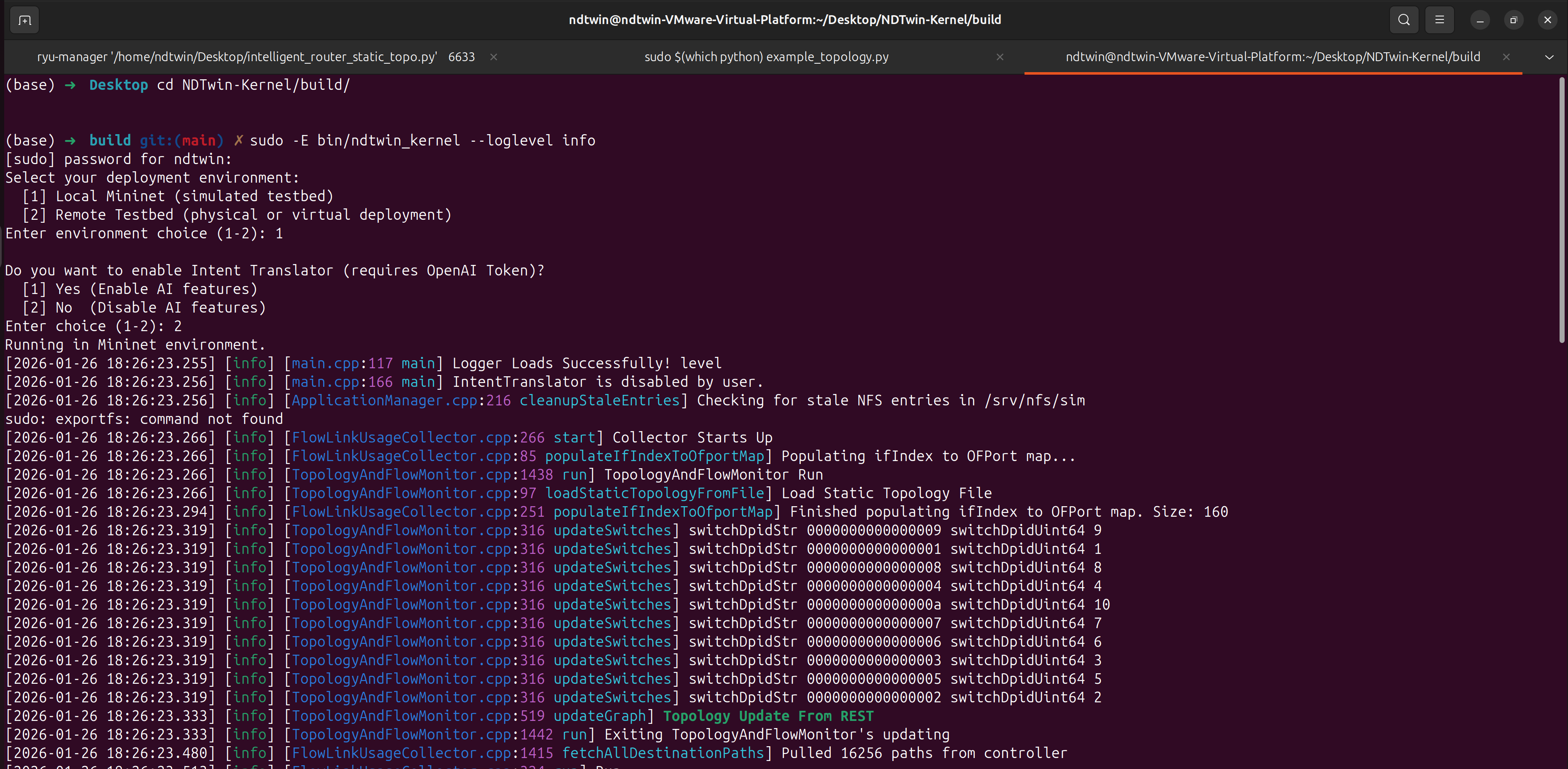
sudo -E bin/ndtwin_kernel --loglevel info
Interactive Configuration
Upon execution, the system will prompt you to select the operation mode:
- Deployment Environment:
[1] Local Mininet: Select for simulated local testbeds.[2] Remote Testbed: Select for physical or virtual remote deployments.
- AI Feature Toggle:
[1] Yes: Initializes theIntentTranslatorwith the OpenAI model. (Requires valid API Token).[2] No: Disables AI components to conserve resources.
Safe Shutdown Procedure
When finishing your experiment, please close the system in reverse order and perform cleanup to avoid errors in future runs:
- In Terminal 2 (Mininet), type
exitto quit the CLI. - In Terminal 2, run the cleanup command:
sudo mn -c
- Close all other terminal windows.